
Why You Need Powerful AI Frameworks Today artificial intelligence is no longer a future concept—it’s already shaping how we write, create, learn, and work every day.
But here’s the problem:
Most people are using AI… without understanding it.
They type simple prompts, expect perfect results, and end up getting:
- Generic answers
- Confusing outputs
- Low-quality content
The truth is simple: AI is not failing—you are just not using the right system.
This is where Powerful AI Frameworks come in.
Instead of guessing what to ask, these frameworks give you a clear structure to communicate with AI effectively. They help you:
- Write better prompts
- Get accurate and relevant results
- Turn AI into a personalized assistant
In this guide, you will learn how to use powerful AI frameworks like C.R.E.A.T.E., P.R.O.F.I.L.E., P.I.C.T.U.R.E., and P.O.S.T.E.R. to transform the way you use AI—from basic usage to professional-level output.
Because in today’s world, it’s not about using AI…
It’s about using it the right way.
1. C.R.E.A.T.E Framework (Text Engine)
| Step | Meaning | Example / Explanation |
|---|---|---|
| C – Character | Define who the AI should act as | Teacher, doctor, business advisor |
| R – Request | Clearly state what you want | Explain AI, write a blog, create ideas |
| E – Example | Provide tone or style guidance | Simple, professional, friendly |
| A – Adjustment | Set boundaries and rules | Word limit, avoid jargon, level of detail |
| T – Type of Output | Choose output format | Bullet points, table, steps |
| E – Extras | Add final improvements | Translate, simplify, customize |
Text Example
Act as a professional teacher. (C – Character)
Explain “What is Artificial Intelligence?” in simple words. (R – Request)
Use a friendly tone like you are teaching a school student. (E – Example)
Keep it under 500 words and avoid technical terms. (A – Adjustment)
Give the answer in bullet points. (T – Type)
At the end, add a short real-life example. (E – Extras)
2. P.R.O.F.I.L.E Framework (Context Engine)
| Component | Meaning | Example |
|---|---|---|
| P – Profile (Personal Info) | Basic details about you | Age, location, profession |
| R – Reasons | Why you use AI | Learning, content creation, productivity |
| O – Operations | Preferred language & tone | Simple English, professional tone |
| F – Familiarity | Your knowledge level | Beginner / Intermediate / Advanced |
| I – Interests | Your focus areas | AI, blogging, design, business |
| L – Learning Style | How you prefer to learn | Step-by-step examples and visuals |
| E – Expectations | What kind of output you want | Accurate, detailed, easy to understand |
Context Example
My Profile:
I am a beginner student from India. (P – Profile)
I want to learn AI for career growth. (R – Reasons)
I prefer simple English language. (O – Operations)
My knowledge level is basic. (F – Familiarity)
I am interested in blogging and technology. (I – Interests)
I learn better with examples and step-by-step explanations. (L – Learning Style)
I want clear, practical, and easy-to-understand answers. (E – Expectations)
3. P.I.C.T.U.R.E Framework (Visual Engine)
| Step | Meaning | Example / Explanation |
|---|---|---|
| P – Photographic Style | Overall visual style | Cinematic, cartoon, realistic |
| I. Imagery | Subject or scene | Person, landscape, object |
| C – Camera Angle | Perspective or view | Top view, side angle, close-up |
| T – Timing & Lighting | Mood and lighting setup | Daylight, night, soft light, dramatic |
| U – Use of Film | Texture or visual quality | Grainy, smooth, vintage film look |
| R – Render Style | Final visual output style | Realistic, 3D, artistic |
| E – Extra Details | Fine details and finishing touches | Background elements, textures, small details |
Image Example
Create a realistic image. (P – Photographic Style)
A student studying on a laptop. (I – Imagery)
Side-angle view. (C – Camera Angle)
Soft evening light is coming from the window. (T – Timing & Lighting)
Smooth and clean quality. (U – Use of Film)
Highly realistic render. (R – Render Style)
Add books, a coffee mug, and a calm background. (E – Extra Details)
4. P.O.S.T.E.R Framework (Design Engine)
| Step | Meaning | Example / Explanation |
|---|---|---|
| P – Purpose | The main message of the design | Educate, promote, inform |
| O – Objects | Visual elements used | Icons, shapes, images |
| S – Style | Design type or look | Flat, 3D, minimal |
| T – Typography | Text and font styling | Bold headings, clean fonts |
| E – Environment | Colors and background | Light, dark, gradient |
| R – Ratio | Size and layout format | 16:9, 9:16, 1:1 |
Design Example
Create a poster to motivate students to study. (P – Purpose)
Include book, laptop, and study icons. (O – Objects)
Use a minimal and clean design style. (S – Style)
Add bold heading: “Focus on Your Future.” (T – Typography)
Use a blue and white color theme. (E – Environment)
Design in vertical format (9:16). (R – Ratio)
Smart Way to Use AI Frameworks
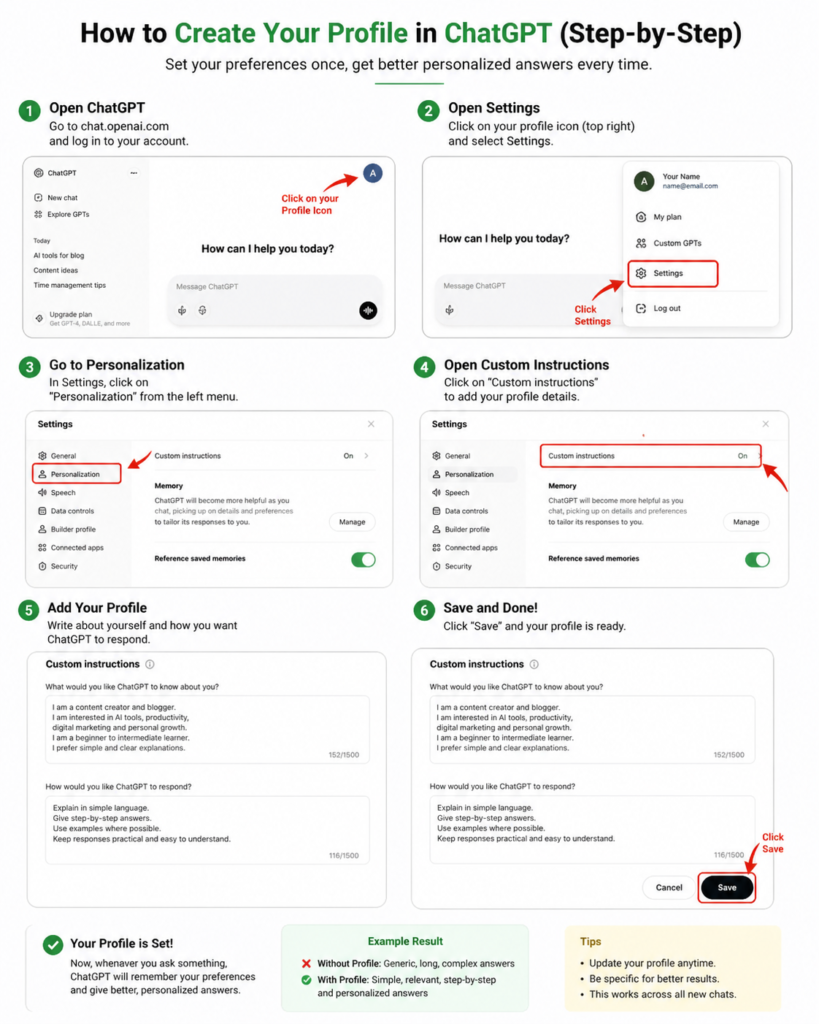
You don’t need to use all four frameworks (C.R.E.A.T.E., P.R.O.F.I.L.E., P.I.C.T.U.R.E., P.O.S.T.E.R.) again and again in every prompt.
A smarter approach is to create your AI profile once and then let AI use that profile to answer all your future questions.
This saves time, reduces effort, and gives you consistently better results.
In simple terms, AI is no longer just a tool—it has become a complete ecosystem that allows you to move from idea to execution faster, smarter, and often without needing advanced technical skills.
🎨 AI Presentation & Visual Design Tools
| Tool | Description | Use Cases |
|---|---|---|
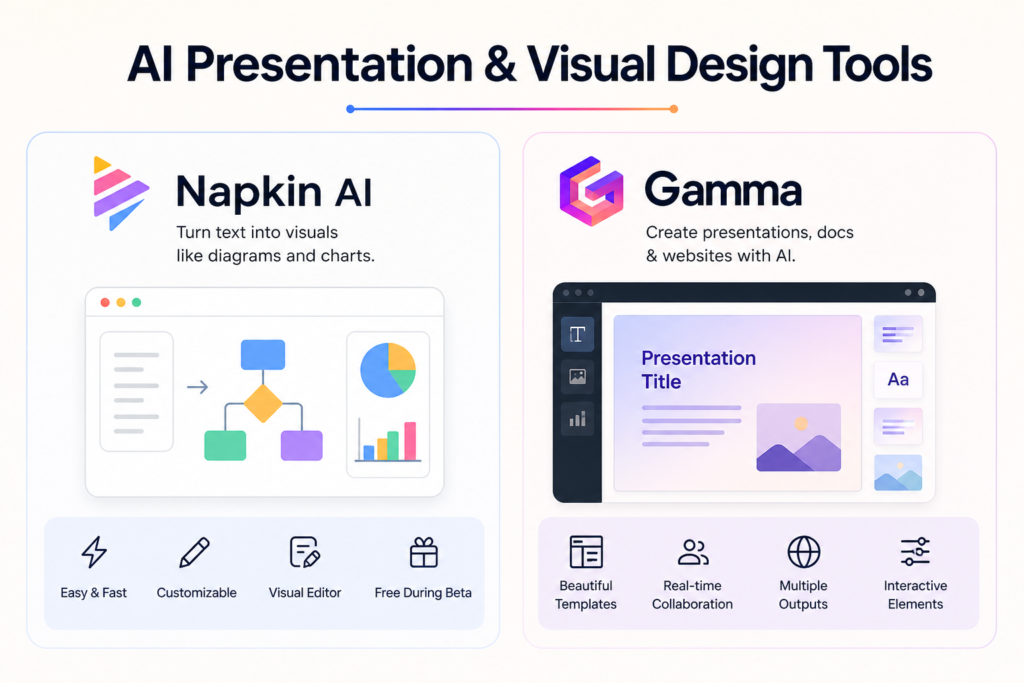
| Napkin AI | Converts text into visuals like diagrams, charts, and infographics for storytelling and presentations. | Infographics, flowcharts, teaching visuals, business presentations |
| Gamma | AI tool for generating presentations, documents, and web pages from prompts or outlines. | Pitch decks, reports, educational slides, and websites |
🌐 AI Website Building Tools
| Tool | Description | Use Cases |
|---|---|---|
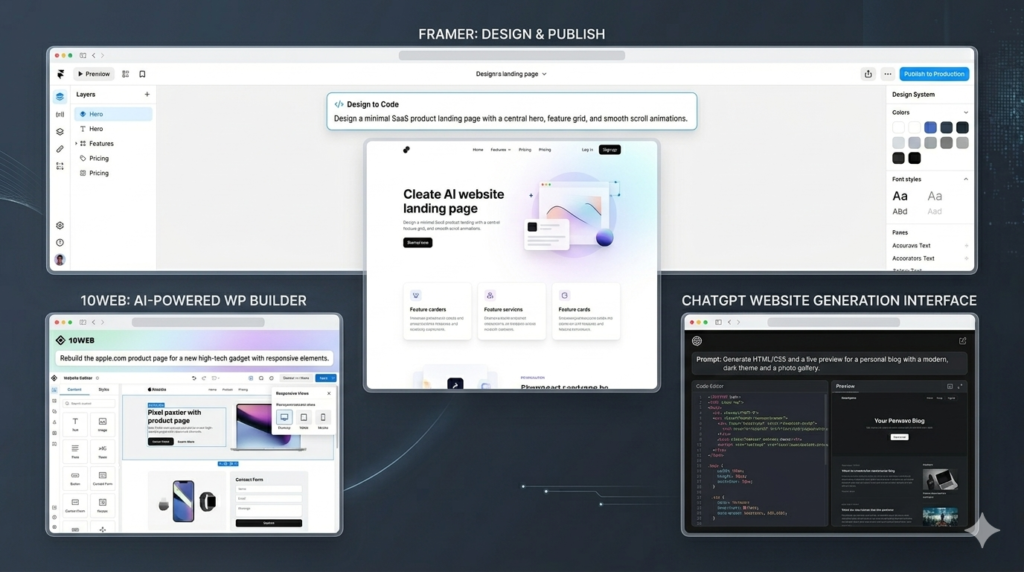
| Framer | AI website builder that creates responsive multi-page websites with hosting. | Landing pages, portfolios, business sites |
| 10Web AI Builder | AI WordPress builder with hosting and site recreation features. | Blogs, business sites, eCommerce, agencies |
| ChatGPT | AI that generates website code (HTML/CSS/JS) and content via prompts. | Code generation, debugging, simple websites |
🖼️ AI Image Generation Tools
| Tool | Description | Use Cases |
|---|
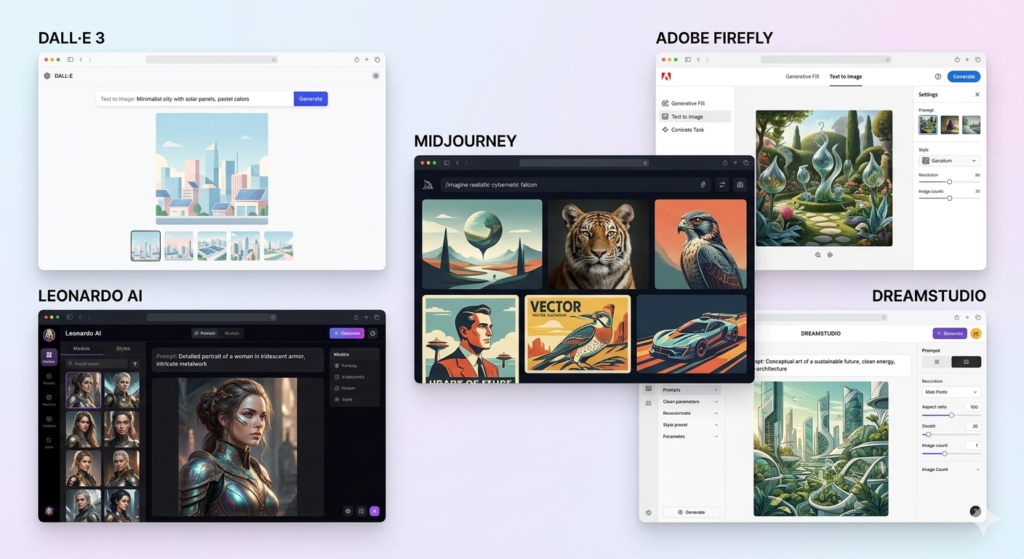
| DALL·E 3 | Advanced image generator integrated with ChatGPT for detailed prompts. | Blog images, marketing visuals, illustrations |
| Leonardo AI | Advanced platform with multiple models and detailed control. | Game assets, concept art, content creation |
| Midjourney | High-quality AI art generator via Discord. | Concept art, marketing visuals, design |
| Adobe Firefly | AI integrated into Adobe apps for image generation and editing. | Design workflows, editing, marketing graphics |
| DreamStudio | Official Stable Diffusion interface with advanced controls. | AI experiments, concept art, custom visuals |
🎬 AI Video Generation Tools
| Tool | Description | Use Cases |
|---|---|---|
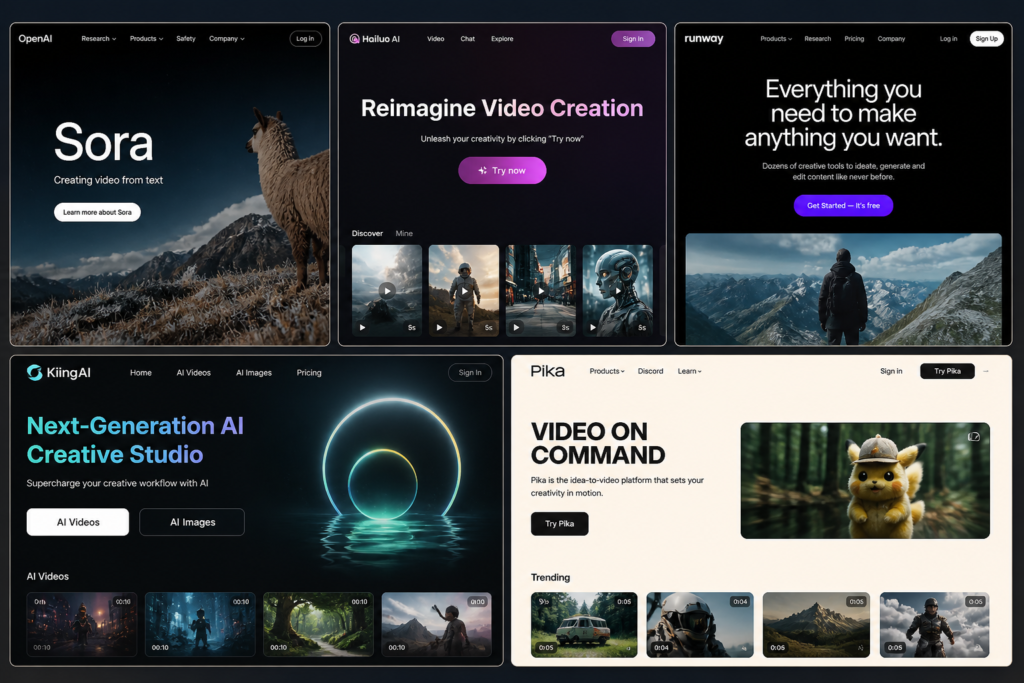
| Sora AI | Advanced text-to-video model generating cinematic clips (5–20 sec). | Films, ads, storyboarding |
| Hailuo AI | Generates short (5–6 sec) videos from text prompts. | Experimentation, social media clips |
| Runway ML | AI video generation + editing platform. | Editing, storytelling, creative videos |
| Kling AI | Advanced video generator with motion control and lip-sync. | Ads, storytelling, avatars |
| Pika Labs | Video-to-video effects and creative transformations. | Social media, creative videos |
🎵 AI Audio Generation Tools
| Tool | Description | Use Cases |
|---|---|---|
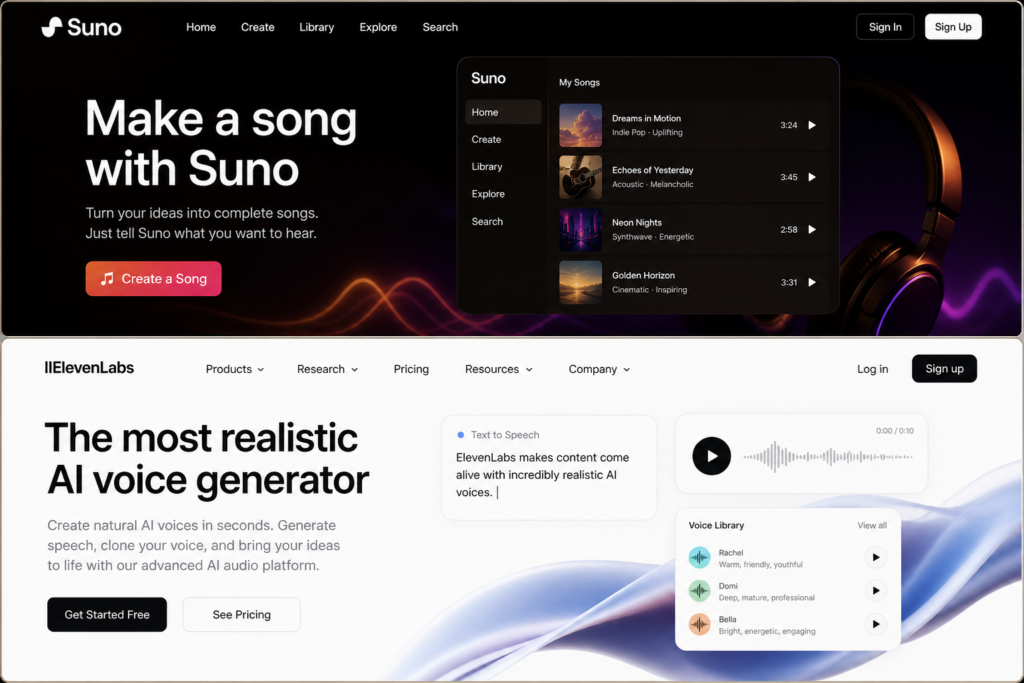
| Suno AI | AI generates songs with vocals from text prompts. | Music creation, content, experimentation |
| ElevenLabs | AI text-to-speech with voice cloning. | Voiceovers, audiobooks, narration |
💻 AI Coding Tool
| Tool | Description | Use Cases |
|---|---|---|
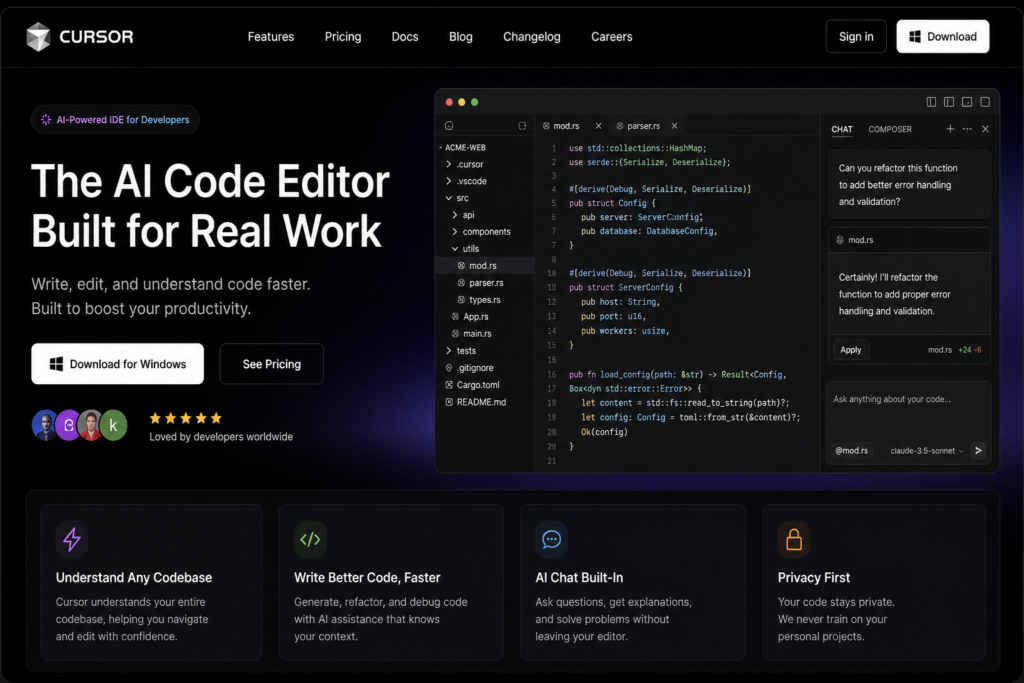
| Cursor AI | AI-powered IDE that helps write, edit, and debug code. | Coding, debugging, learning programming |
🎁 Bonus AI Tools
| Tool | Description | Use Cases |
|---|---|---|
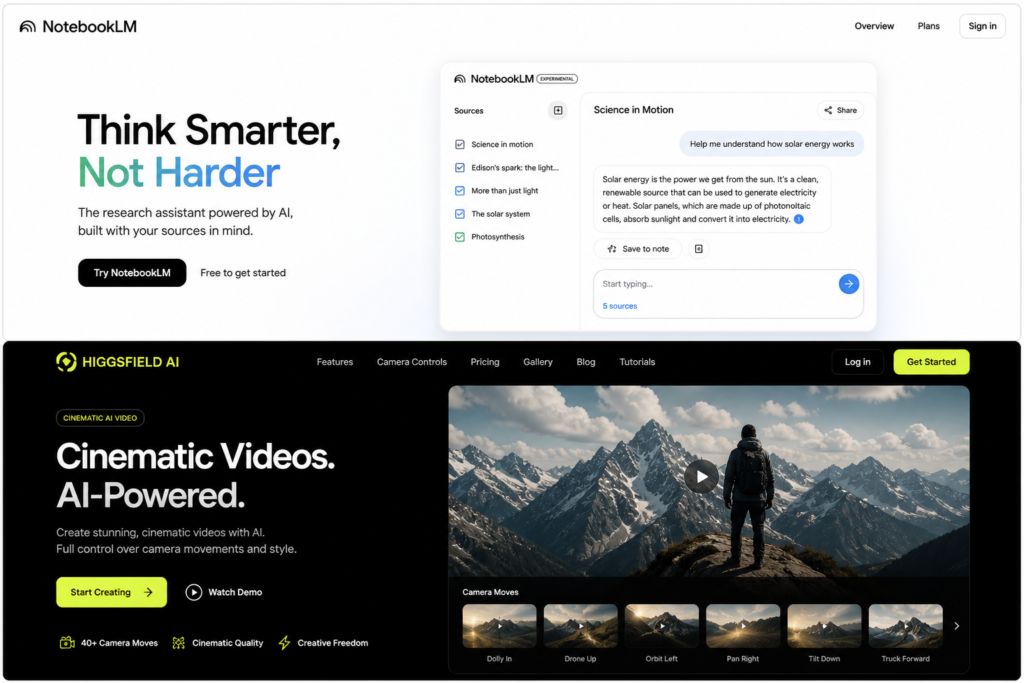
| NotebookLM | AI research assistant using your own documents with citations. | Research, study notes, content planning |
| Higgsfield AI | Cinematic AI video tool with camera motion control. | Ads, storyboarding, cinematic clips |
Many people today feel a quiet fear—that because of AI, jobs might disappear and the future may become uncertain. That fear is understandable. But fear without understanding often creates distance from opportunity. If you take the time to truly study and understand AI, you’ll begin to see something different—it’s not here to replace you; it’s here to assist you.
AI is just a machine. It has no emotions, no feelings, no intuition. It can process data, generate outputs, and follow patterns—but it cannot feel purpose, empathy, or human connection. And that’s where the real difference lies.
A human being carries something far more powerful—imagination, emotion, trust, and the ability to give meaning. AI can support your work, speed up your process, and open new doors—but it cannot think the way you think, feel the way you feel, or dream the way you dream.
The future doesn’t belong to AI alone—it belongs to those who understand how and where to use AI wisely. When human intelligence and emotional depth combine with AI’s speed and capability, growth becomes limitless.
Because in the end, life and the world don’t run on algorithms…
they run on trust, connection, and human emotion—things only you possess. 💛